1. Viewing the list and the actions available for settlements
Click Main menu / Cash register / Settlements / Incoming invoices to see the settlements of incoming invoices. On the Actions tab above the table you find the buttons for the selected settlement:
- Open: shows the details of the selected settlement in a read-only window (details below).
- Delete: deletes the selected settlement. The system asks you to confirm and deletes one selected item at a time. Use it if you recorded a settlement by mistake.
- Import: records settlements from a file. On this list the Universal option is available, see the details below.
- Download: XLSX lista downloads the list as a spreadsheet, taking the currently filled search conditions into account.
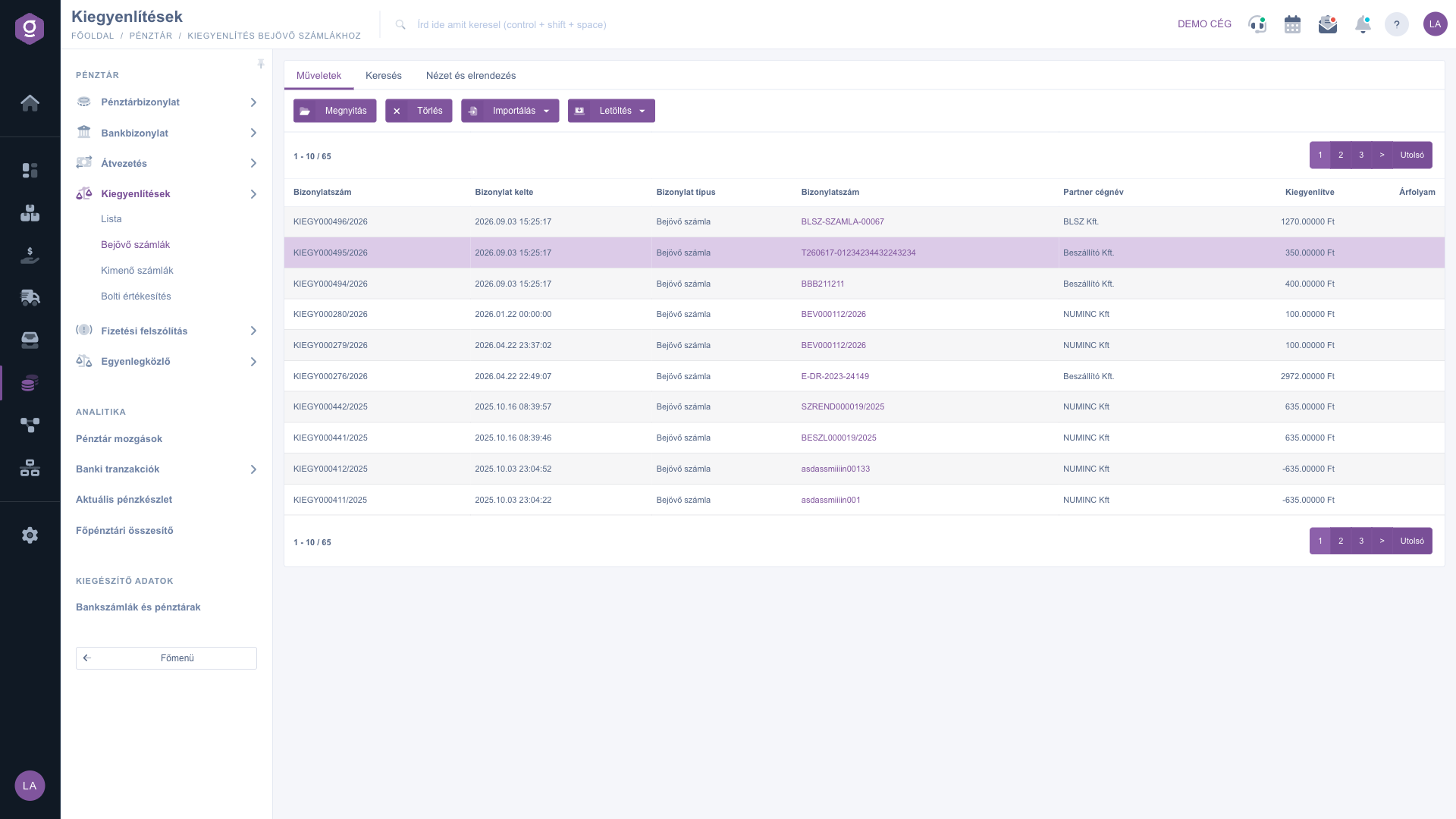
Settlements of incoming invoices – Actions tab (Műveletek)
Importing settlements from a file
If you choose the Universal option from the Import menu, the import window opens, where you can record the settlements of incoming invoices in bulk from a file. In the window:
- use the XLSX file schema link to download the structure of the file to be imported;
- choose the filled-in file in the File upload field;
- the Save button starts the upload and processing, and the Close button closes the window.
After processing, two tables appear: Items that failed to import and Successfully imported items, with the columns Document number, Cégnév and Result, so you can see at once which row was not imported and why.
The data is in the second worksheet of the file (the first worksheet is the help sheet). The first row is the header, and the system identifies the columns by the header names, so do not change them. The columns are described in the Field descriptions section below.
Searching among settlements
On the Search tab you can narrow the list with the following conditions:
- Partner company name: by the name of the partner.
- Document number: by the number of the document.
- Document date: by giving a period (from – to).
Run the search with the Search button; the given conditions narrow the results together. The Expand button is not active on this list.
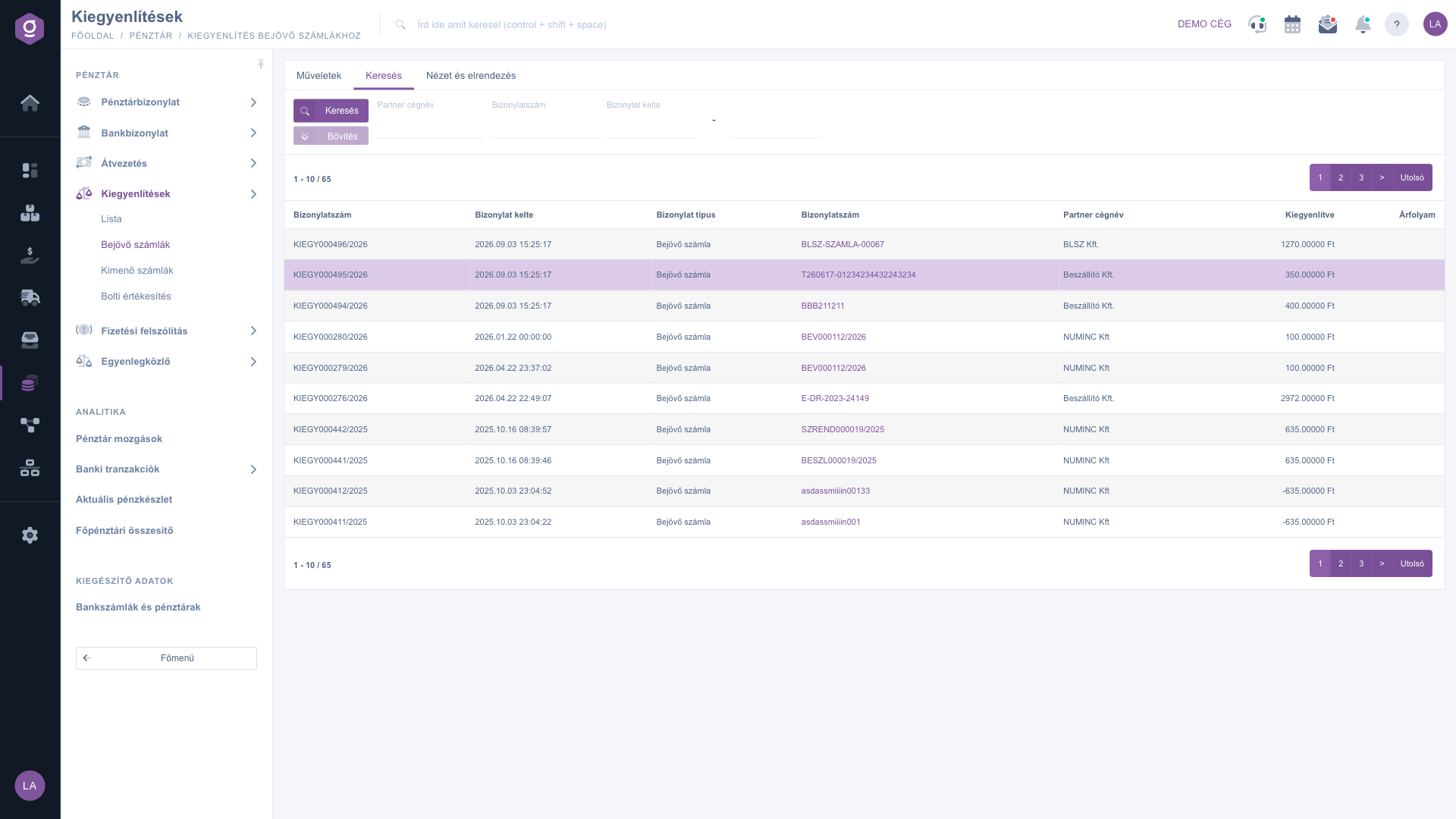
Settlements of incoming invoices – Search tab (Keresés)
Customising the view
On the View and layout tab you can adjust how the list looks to suit your work:
- Oszlopok (Columns): choose which columns are shown and drag them to change their order. In the Name and Active table you can also search among the columns; the Default, Select all and Deselect all buttons give quick choices, and the Save button stores the setting.
- Sorok (Rows): in the Visible rows field you can choose 10, 25, 50 or 100 rows per page.
- Sorting: by giving the Selected column and the Sort order (Ascending or Descending). By default the most recently recorded settlements are at the top.
After saving, the page reloads with the new settings. The setting is kept for the duration of your session, and each of the four lists (List, Incoming invoices, Outgoing invoices, Retail sales) stores its own setting.
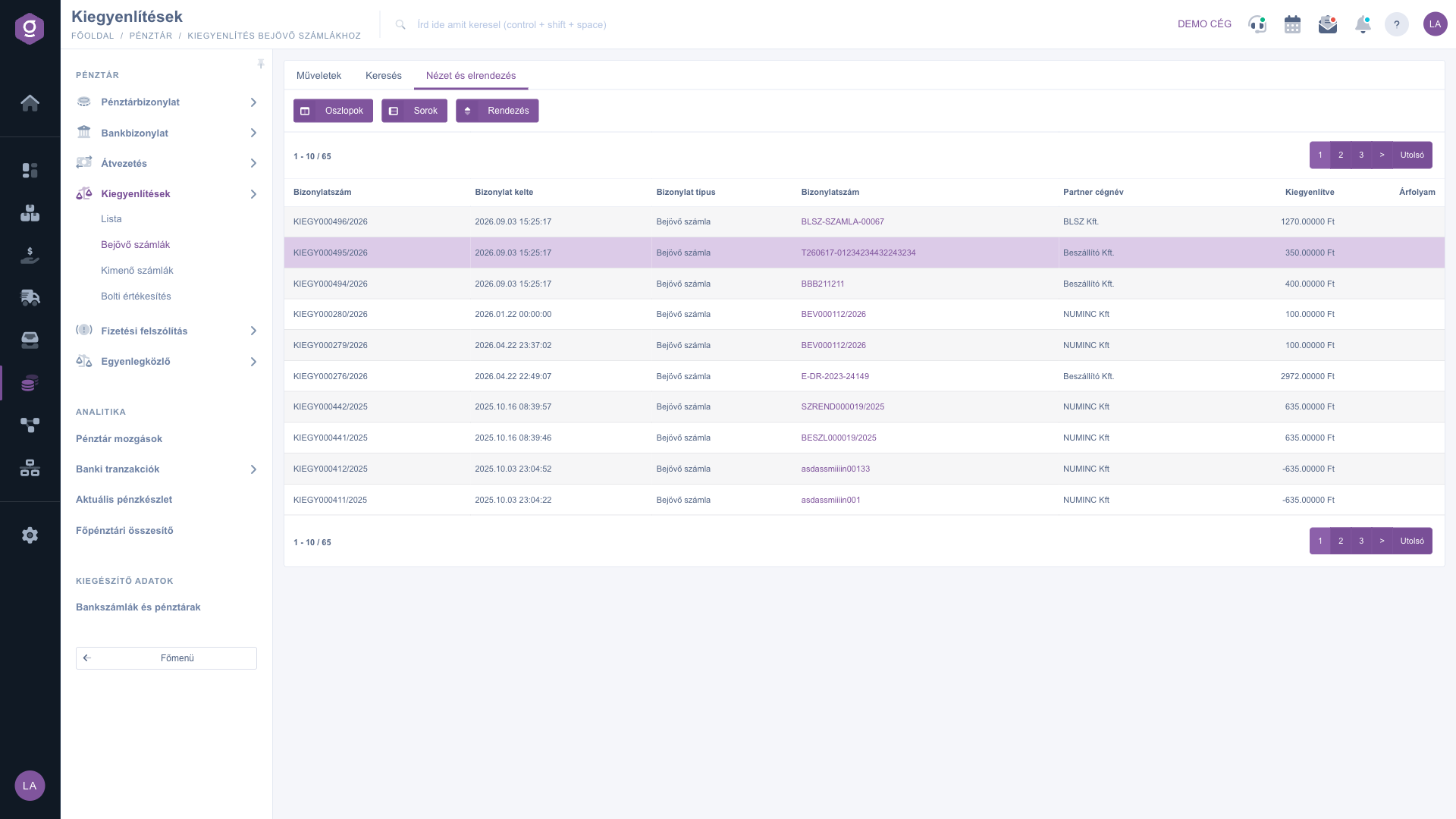
Settlements of incoming invoices – View and layout tab (Nézet és elrendezés)
The Open window
The Open button opens the Settlement window with the caption “Information about the posted settlement”. The window is read-only, and its only button is Close. It consists of three blocks:
- the basic data: Identifier, Value, Posting date, Status (Posted) and Colleague;
- Invoice information: appears only if an invoice belongs to the settlement: the type, identifier, value and issue date of the invoice, and the data of the partner and the contact person;
- Cash desk/Bank document information: appears only if a cash or bank item belongs to the settlement: the identifier, the ledger accounts, the direction, the comment and the transaction identifier.
In the two linked blocks the Identifier is a link; click it to open the related document.
Tip
For the import, download the template with the XLSX file schema link and paste your data into the second worksheet. This way the headers and the structure will be correct.



